-
Shop
- Adidas
- Advanced Technologies
- AI Skills for Creators & Freelancers
- AI Client Management
- AI Ethics
- AI Mindset
- AI Tools & Prompts
- AI Writing & Content Creation
- Audio, Voice & Music
- Design & Visual Creation
- Email, Messaging & Communication
- Freelancing & Business
- Marketing, Ads & Conversion
- Productivity, Workflow & Automation
- SEO & Search Optimization
- Social Media Content & Growth
- Strategy, Planning & Analytics
- Video Creation & Editing
- AI Skills Mastery 2026 Collection
- Armani
- Bathroom
- Best-Sellers
- Black Friday Sale
- Bonding & Special Moments
- Business & Digital Skills
- Calvin Klein
- Car Accessories
- Confidence
- Dating & Social Skills
- Digital Resources
- AI & Technology
- Beauty
- Car Buying & Ownership
- Cozy Feast Collection
- Electronics & Technology
- Entrepreneurship & Business Growth
- Financial Education
- Hobbies
- Home Styling & Organization
- Kitchen & Recipes
- Mindset
- Online Business
- Online Business for Beginners
- Parenting & Child Development
- Personal Style & Fashion
- Pet Lifestyle & Wellness
- Smart Life with AI
- Travel & Adventure
- Travel Planning
- Wellness
- Yoga & Fitness
- Education & Learning
- Family & Home
- Family & Parenting
- Fashion
- Fashion & Beauty
- Fashion Accessories
- Furniture
- Gadgets
- Guess
- Halloween
- Candles
- Costumes & Makeup
- Fall Family Traditions
- Glasses
- Halloween Costumes & Accessories
- Halloween Decor
- Halloween DIY Products
- Halloween Gifts
- Halloween Home Decor
- Halloween Kids Products
- Halloween Party Hosting
- Halloween Pet Products
- Halloween Teacher Resources
- Kids' Halloween Activities
- Masks
- Party Supplies
- Seasonal Business Ideas
- Small Business Marketing
- Tableware
- Treats & Recipes
- Health & Beauty
- Health & Safety
- Health & Wellness
- Home & Environment
- Home & Garden
- Home Decor
- Home Electronics
- Home Supplies
- Kids & Babies
- Kitchen
- Lighting
- Luxury Brands Collection
- Patio, Lawn & Garden
- Personal Growth
- Personal Growth & Wellness
- Pet Care
- Pet Supplies
- Pets
- Sport & Outdoors
- St. Valentine's Day
- Stress Relief & Relaxation
- Super Deals
- Thanksgiving Digital Collection
- AI & Tech-Enhanced Thanksgiving
- Budgeting & Smart Shopping
- Eco-Friendly & Sustainable Thanksgiving
- Family & Kids
- Gift Ideas Guides
- Gratitude & Mindfulness
- History & Meaning
- Hosting & Planning
- Leftovers & Storage
- Pets & Thanksgiving
- Social Media Captions & Ideas
- Thanksgiving DIY Ideas
- Thanksgiving Recipes
- Thanksgiving Products
- Tommy Hilfiger
- Training & Enrichment
- Travel
- Turnkey Online Businesses
- Wealth
- Wealth Building
What App Can I Use to Create a Baby Book?
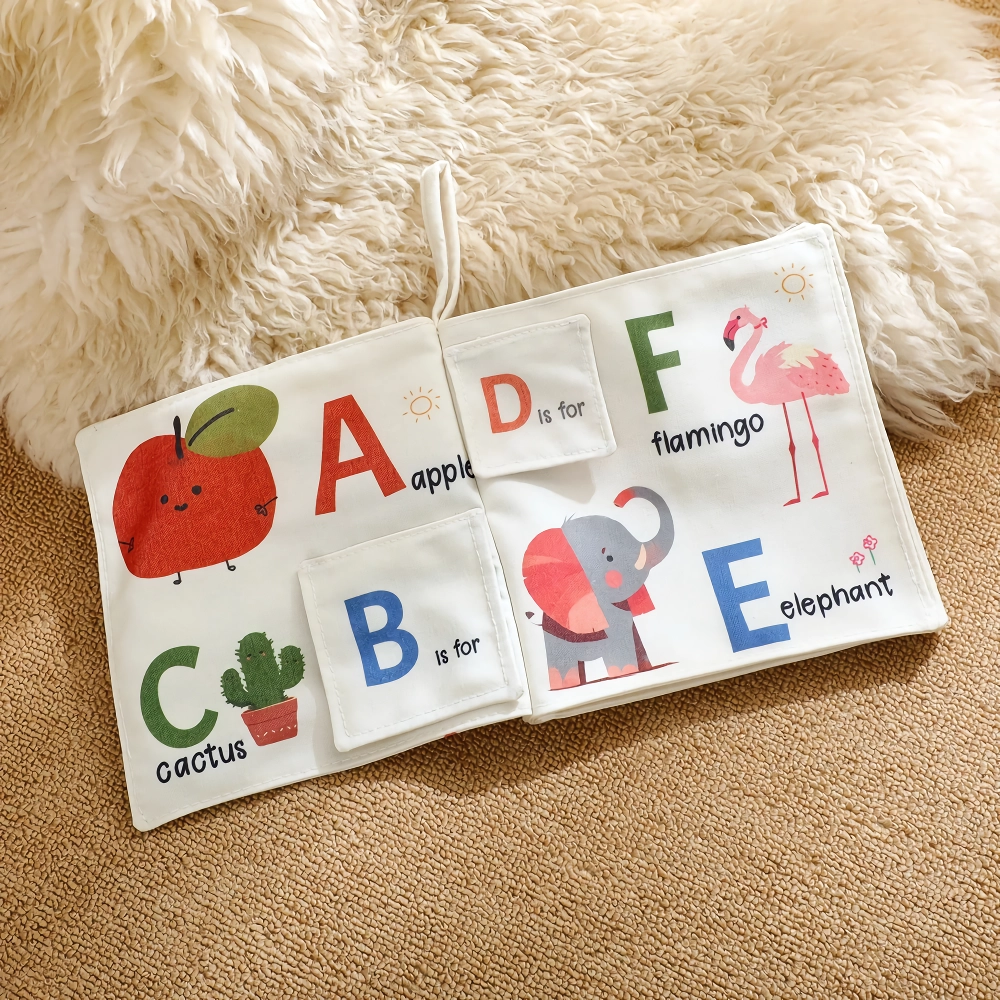
59% off on product page · save $21.98
What App Can I Use to Create a Baby Book?

What app can you use to create a baby book?
You can use Canva to create a baby book by arranging photos, captions, and milestones in a page-based design; it is a good option if you want control over the look of each page. If you prefer a simpler photo-book workflow, Google Photos or Chatbooks may be a better fit for turning a collection of family pictures into a book.
We suggest choosing an app based on how much customization you want and whether you plan to keep the book digital or order a printed copy. Before you begin, review the app’s current printing options, costs, and privacy settings, since these can vary by service and location.
How do you start making your book?
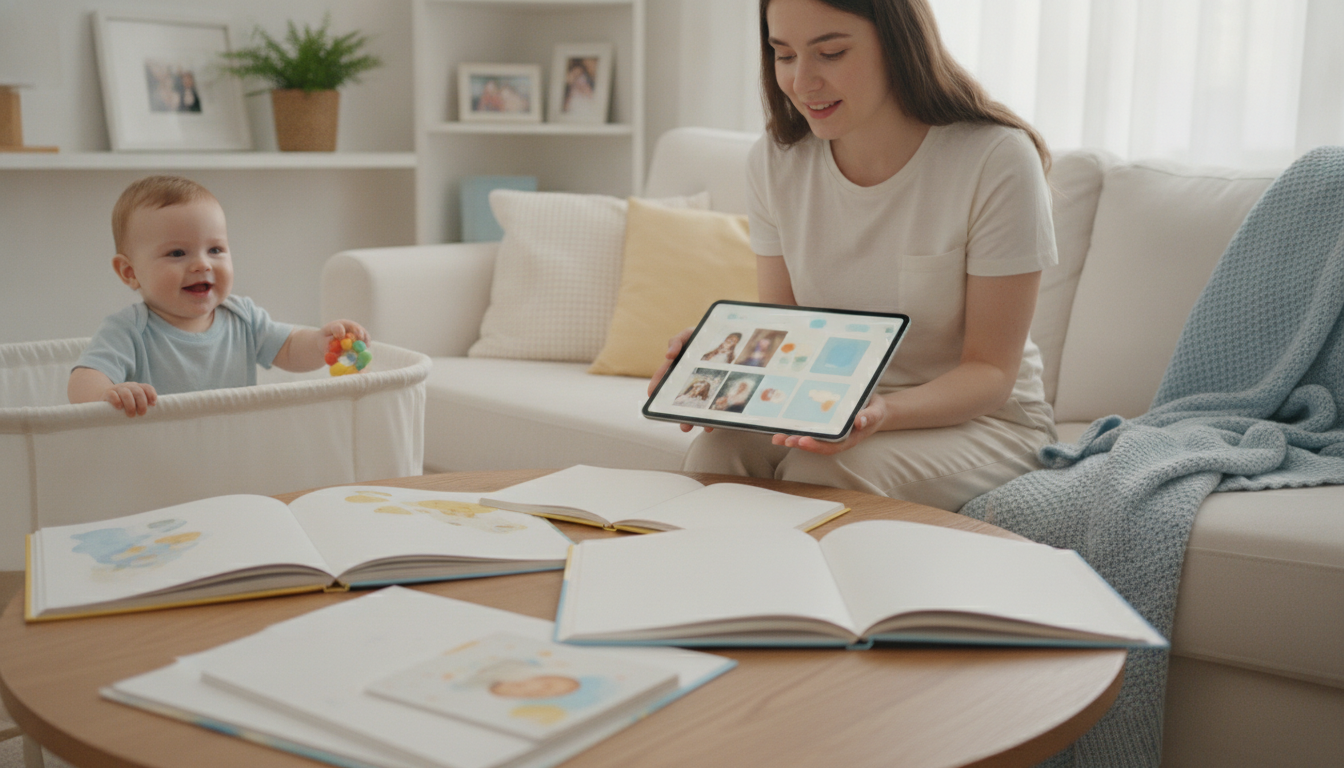
First, gather the photos and details you want to remember, such as your baby’s arrival, family introductions, first outings, and favorite everyday moments. Put them in a dedicated album on your phone or computer so you can find them easily when it is time to build your pages.
Next, open your chosen app, start a photo book or page-based design, and add your pictures in chronological order or by theme. Leave space for short notes with names, dates, and the little stories you might otherwise forget, and save your progress as you work.
Check the product’s listed specifications when evaluating how do you start making your book.

Featured in this guide
Baby Cloth Book with Ocean Animals & English Words – Early Learning Toy
What should you consider before sharing or printing?
For a keepsake you will share with relatives, preview the pages for cropped faces, spelling errors, and dates before sending a link or placing an order. If the app stores your images online, review who can access the project and avoid sharing personal details more widely than you intend.
Think about how you will use the finished book, too: a digital version is easy to revisit on a device, while a printed version can be placed on a shelf or given as a gift. Our team recommends keeping copies of your original photos and text separately so you can use them again if you change apps later.
Pairing your keepsake with a baby’s book
A personalized photo book preserves your family’s memories, while a ready-made cloth book offers a different kind of book to share with your baby. Our Baby Cloth Book with Ocean Animals & English Words is an early learning toy featuring an ocean-animal theme and English words.
You can read more about it in our guide to the ocean animals cloth book. When choosing any book for a baby, follow its age and care instructions and supervise your child during use.
FAQ
Which app is best for creating a baby book?
Canva is a useful choice if you want to customize your pages, while Google Photos and Chatbooks offer photo-book workflows worth considering. The best choice depends on your preferred design process, budget, and whether you want a printed book.
How to create your own baby book?
Collect your favorite photos and milestone notes, then arrange them by date or theme in a photo-book app. Add captions, preview every page, and save a digital copy or explore the app’s printing options.
See if Baby Cloth Book with Ocean Animals & English Words – Early Learning Toy fits your setup
Was this article helpful?
Yes
No

Leave a comment