50% off on product page · save $7.99
Refresh Old Blog Posts With AI: A Practical Guide
Start With Posts Worth Revisiting
Begin with a short list, not your entire archive. Look for posts that once drew readers, cover topics that still matter, or answer questions customers continue to ask our team. A post with a sound central idea and a few stale details is often easier to improve than one whose subject no longer fits your audience.
Before editing, write down what each post is meant to do and the main question it should answer. That gives you a standard for deciding what stays. Then mark outdated facts, broken links, confusing instructions, and openings that promise something the rest of the post does not deliver.
A Simple Update Priority List
| What you find |
What to do first |
Why it matters |
| Useful topic, outdated examples |
Replace and verify examples |
Keeps a strong post relevant |
| Good information, hard to scan |
Rework headings and shorten dense passages |
Makes answers easier to find |
| Several posts covering the same question |
Choose the strongest post and consolidate |
Gives readers one clearer resource |
If several pages repeat essentially the same advice, compare them before rewriting any one of them. Keep the page with the clearest, most complete answer, bring over any genuinely useful details, and decide what to do with the redundant pages. The goal is a better resource for readers, not simply more updated pages.
Give AI a narrow job
AI can suggest a clearer outline, identify questions the post has not answered, or draft alternative openings. Give it the original text, the intended reader and the specific task. Treat its output as options, not as a finished article.
Keep firsthand observations and examples that help you explain the topic. Verify every new factual claim yourself, and remove generic passages that add length without helping the reader.
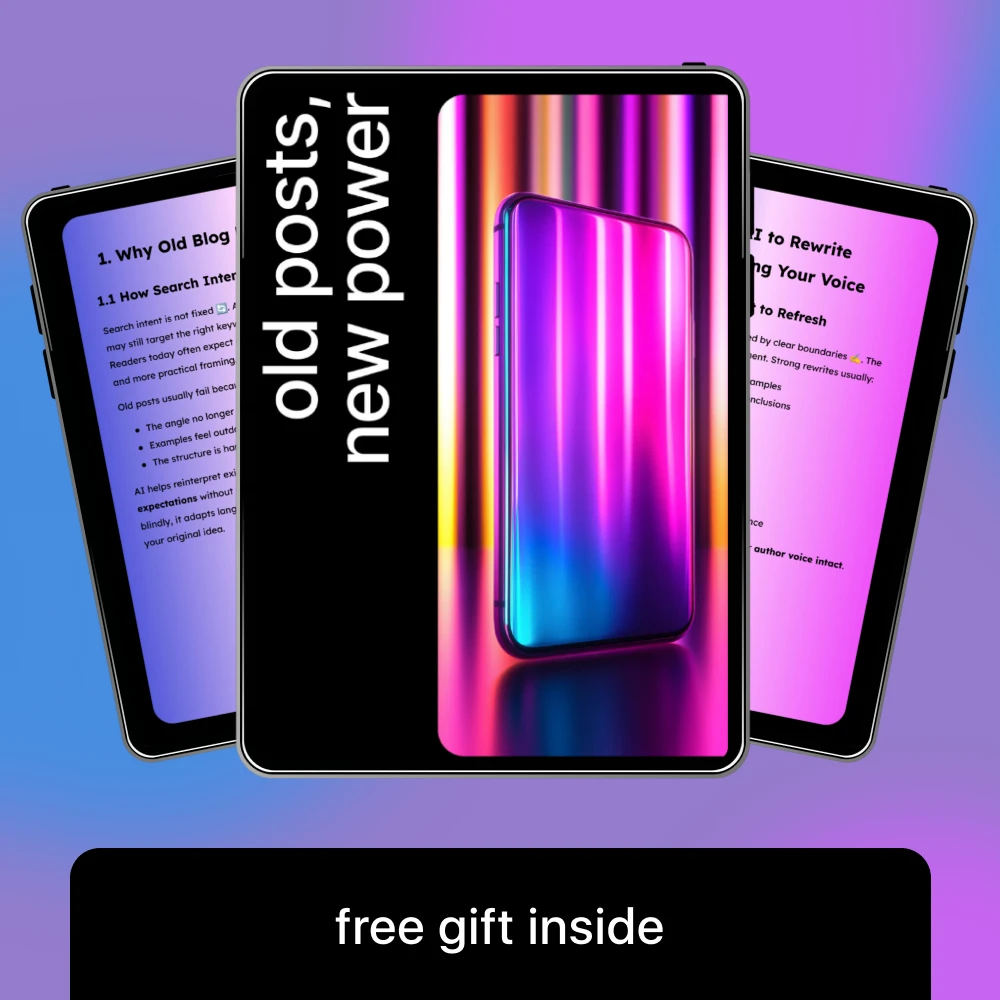
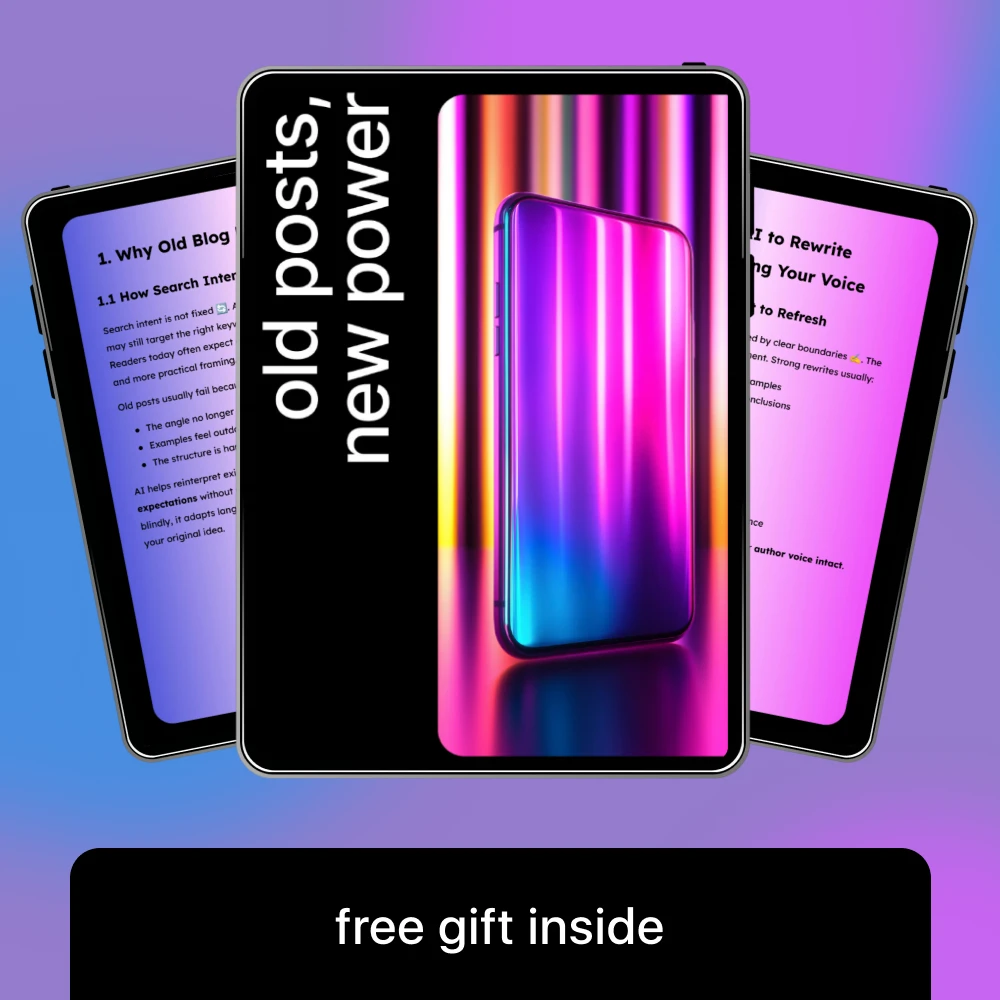
Old Posts, New Power: The Ultimate Guide to AI for Rewriting Your Old Blog Posts for SEO, Engagement, and Traffic Boost
View product
Make the revision earn its place
Read the opening against the finished post: does it promise an answer the page actually gives? Put that answer where you would expect to find it, then keep the steps and examples needed to act on it.
Open every link and confirm dates, names and calls to action before publishing. A related product belongs only where it helps with the next step. For example, a wardrobe-planning post could link to The Must-Have Fashion Pieces Bundle when those guides are relevant to the advice.
Check the product’s listed specifications when evaluating make the revision earn its place.
Keep the routine manageable
Choose one post, identify its most useful improvements, draft alternatives with AI, and complete a separate accuracy pass. After publishing, record what changed and give performance time to develop before judging the update.
Our Old Posts, New Power guide focuses on using AI to refresh older blog posts. It can support your process, but you still decide what is accurate and what makes the page more useful to your readers.
Before choosing, compare the product details with your daily routine, available space, care needs, and preferred setup. The strongest option is usually the one that fits the intended use clearly and remains simple to clean, store, and check before repeat use.
It is also worth checking measurements, material notes, included parts, and compatibility details so the item matches the way it will be used after delivery.
Before choosing, compare the product details with your daily routine, available space, care needs, and preferred setup. The strongest option is usually the one that fits the intended use clearly and remains simple to clean, store, and check before repeat use.
FAQ
How do I find recent posts?
Open your blog archive or publishing dashboard and sort by publication date, newest first. If available, filter the list to published posts.
Can I see my post history?
Most publishing dashboards show your published posts in a content or posts section. What you can see depends on the platform and your account permissions.
How can I see the Facebook posts I’ve seen?
Facebook generally does not provide a complete history of every post you viewed. Your Activity Log or Saved items may help you find posts you interacted with.
How do I view old posts?
Open your blog archive or publishing dashboard and sort by publication date, oldest first. Shortlist posts whose topics remain useful before deciding what to update.
See if Old Posts, New Power: The Ultimate Guide to AI for Rewriting Your Old Blog Posts for SEO, Engagement, and Traffic Boost fits your setup
View product









Leave a comment